

Paid calls
Knowledgeable and Professional calls can generate employee earnings. Eligibility is controlled by the requirements of the call, including verified competence and applicable categories.
A phone-call operator is an employee who makes themselves available for incoming Veriscore calls by activating the hourglass control.
Some calls are paid. For paid Knowledgeable and Professional calls, the employee must meet the quality requirements for the requested categories and competences before compensation can be earned.

Knowledgeable and Professional calls can generate employee earnings. Eligibility is controlled by the requirements of the call, including verified competence and applicable categories.
Free calls are a social feature where two unknown people can meet and talk. They can be used for language practice, a short conversation or simple company. Free calls do not generate compensation.
The caller sees your Alias. Veriscore strongly recommends that neither participant shares personal information during an anonymous call.

Veriscore is built for people with different languages, backgrounds and areas of knowledge. In paid calls, the matching requirements decide which calls you may receive. In free calls, the purpose is simply a safe anonymous conversation between two people.
You decide when you want to be available. Activating availability does not guarantee a call; it means Veriscore may match you when a suitable caller is looking for someone.
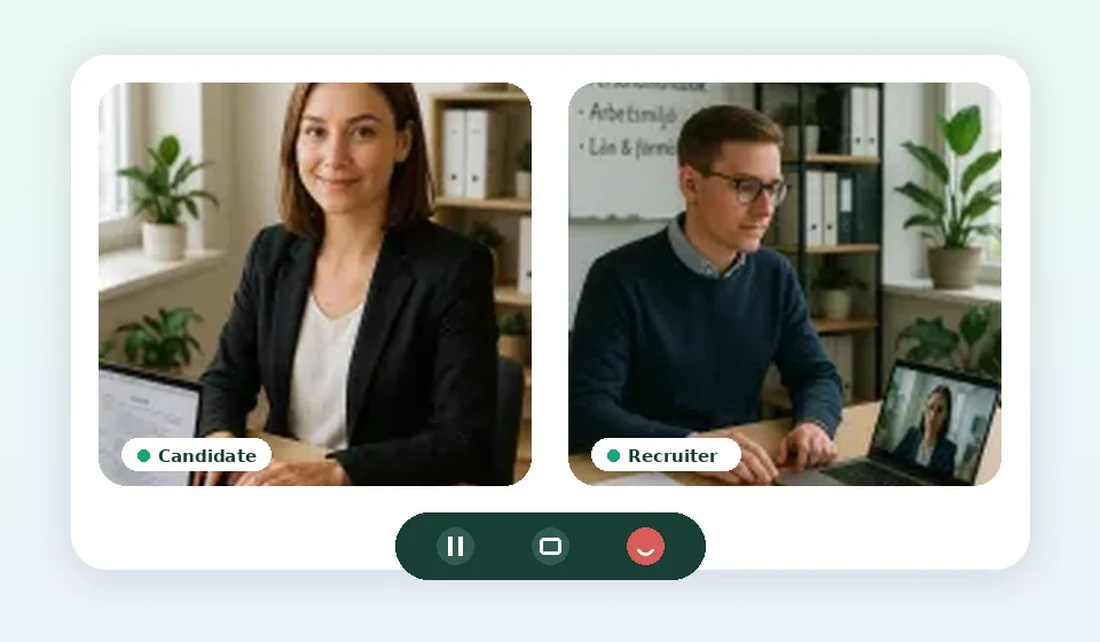
These screenshots show the actual Veriscore flow for availability, caller verification, matching, the connected call and feedback afterward.
Employees who want incoming calls activate availability with the hourglass control.
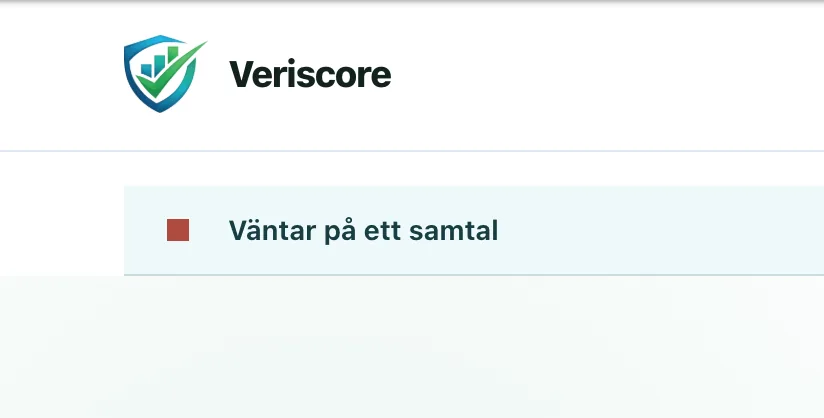
The status clearly shows when you are waiting and can be matched with a caller.

The phone control opens the spontaneous-call flow for the caller.
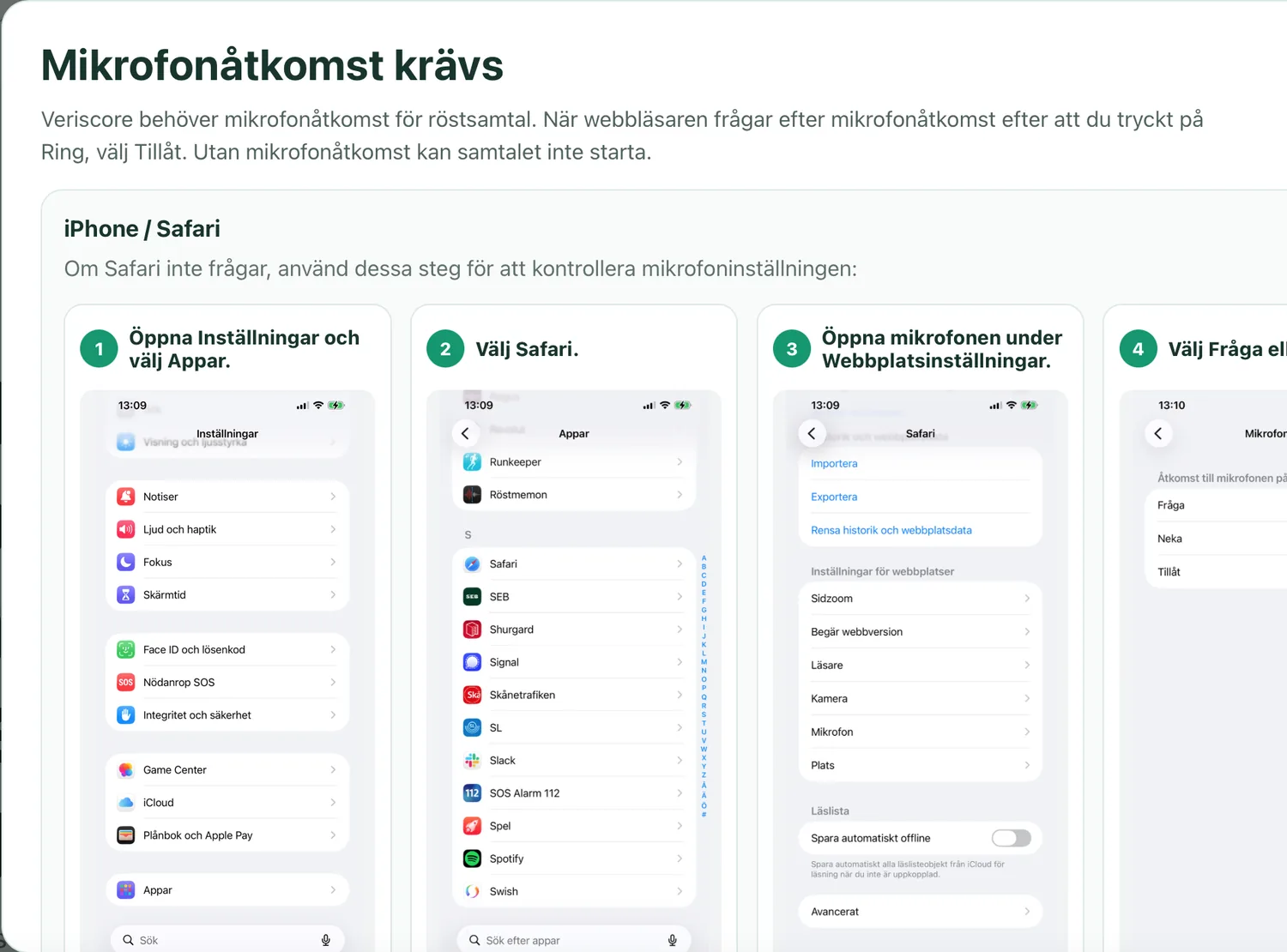
The browser needs microphone permission. The page includes practical guidance for iPhone and Safari.
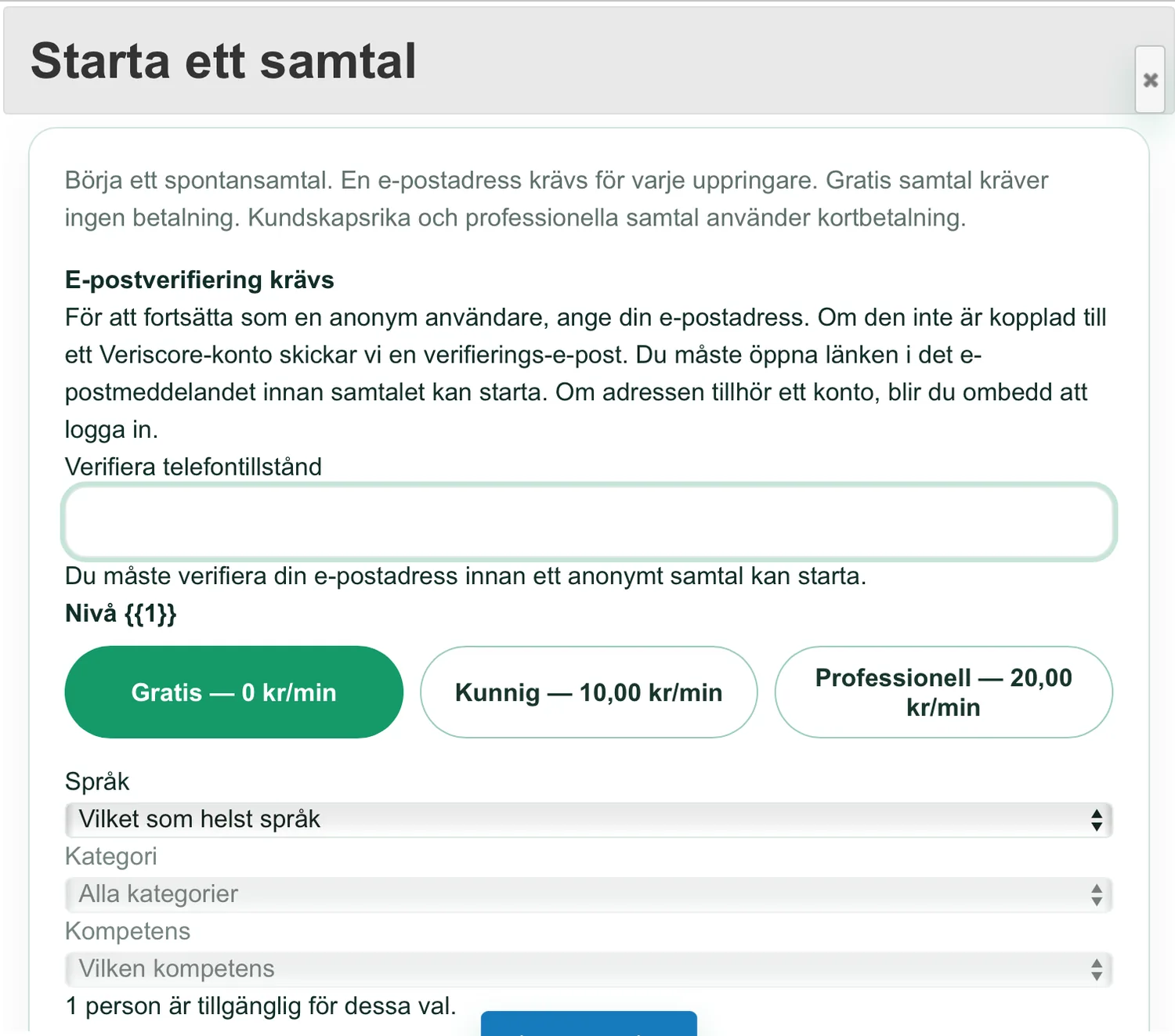
The caller can choose a free, Knowledgeable or Professional call and filter by language, category and competence when available.
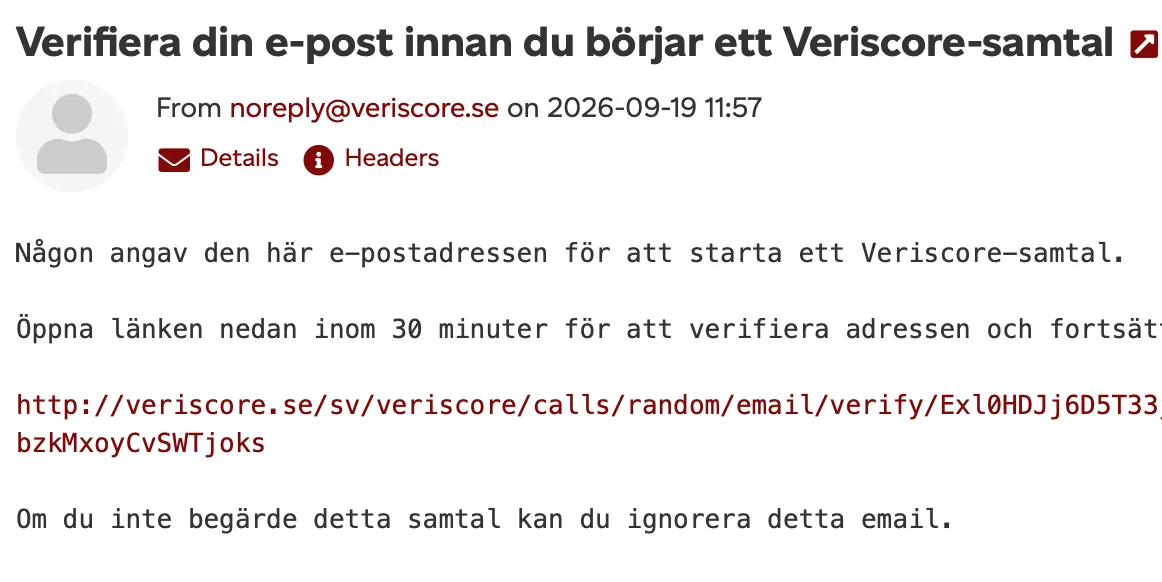
An anonymous caller verifies the email address before a call can start. Registered addresses are asked to log in.
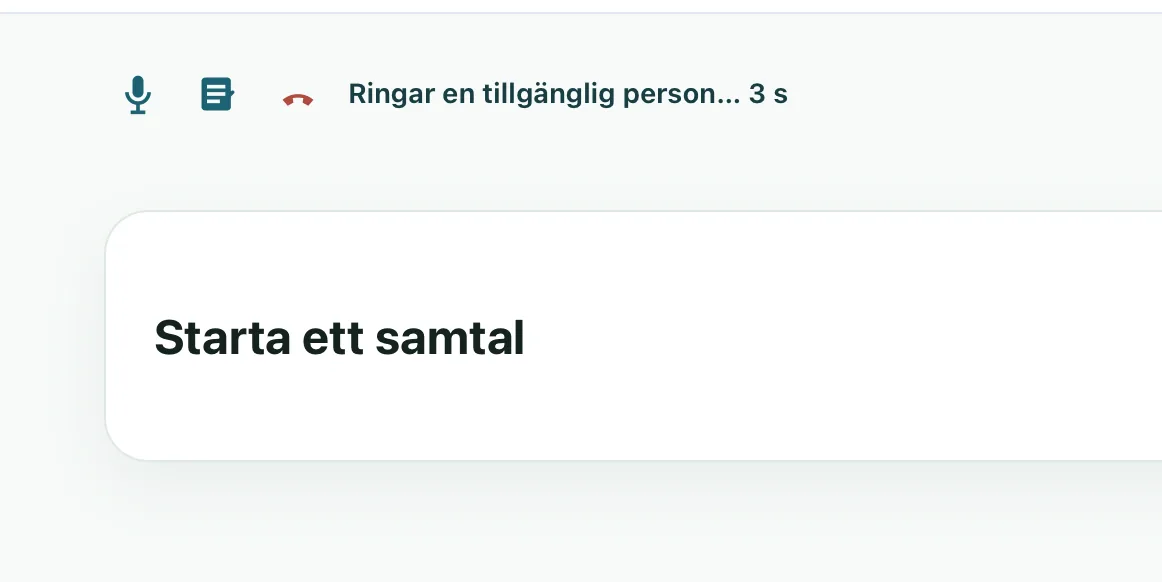
Veriscore tries an available person who matches the selected call requirements.
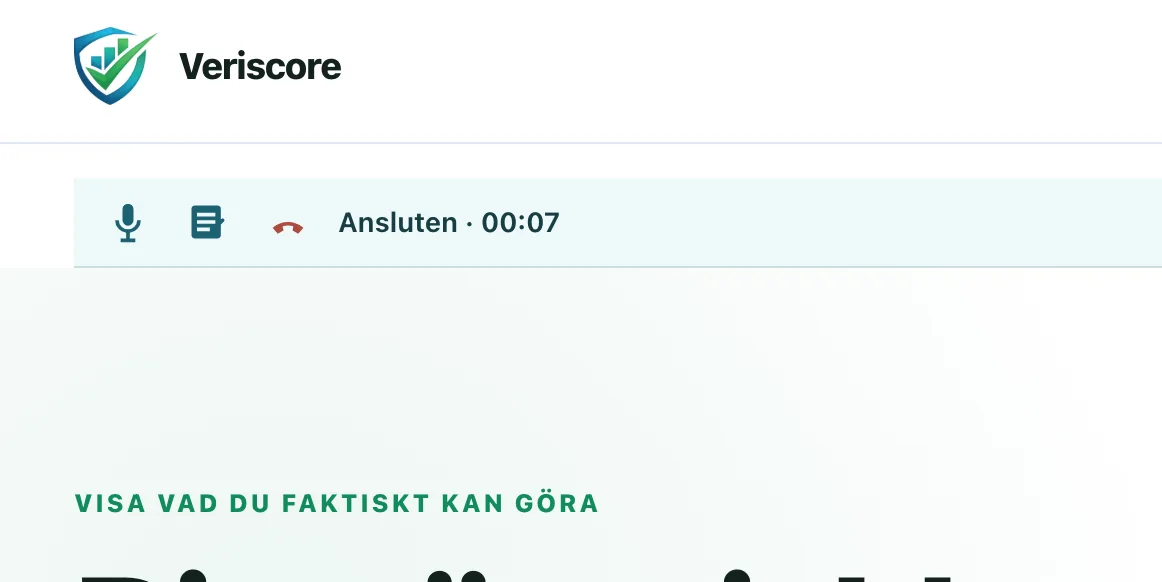
When both participants connect, the call status and elapsed time are shown directly in the interface.
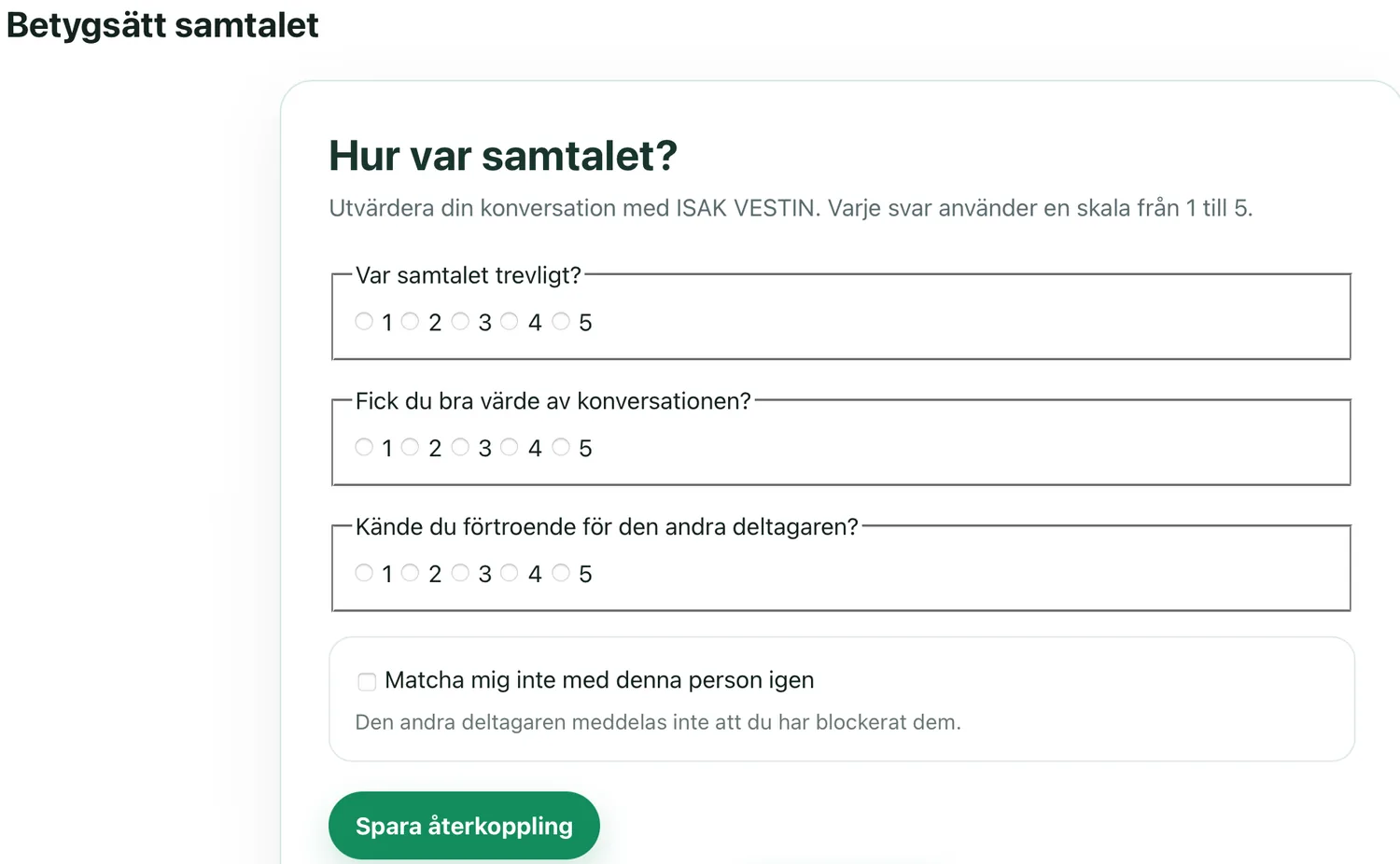
Afterward, participants can rate the conversation and silently prevent future matching with the same person.
Log in to your Veriscore account. Employment and call eligibility are handled after login.